
Amaziograph
Amaziograph Ltd.Entertainment
3.447.00 Reviews
- Version
- 4.1.1574
- Installs
- 50.00K
- Age Rating
- Everyone
Screenshots
Our Review of Amaziograph
 Analysis by Appyee
Have you ever found yourself doodling on a napkin, dreaming of creating intricate patterns and mesmerizing designs? Well, let me introduce you to Amaziograph, an app that takes the art of drawing to a whole new level. Designed for both Android and iOS, Amaziograph is your digital canvas for exploring symmetry and creativity. Let’s dive in and see what makes this app a must-have for artists and doodlers alike.
Unleashing Your Inner Artist
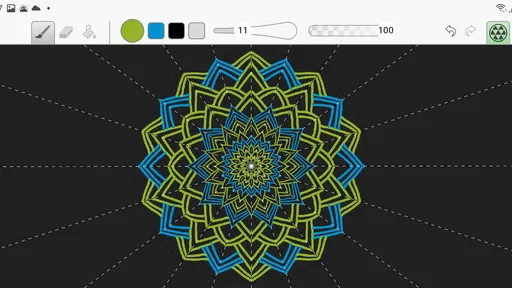
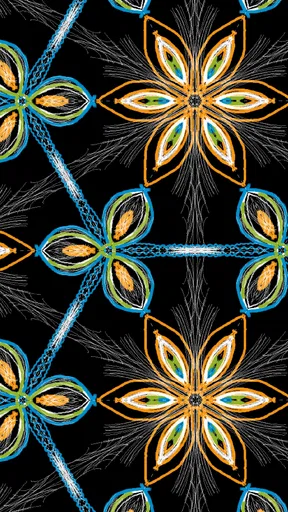
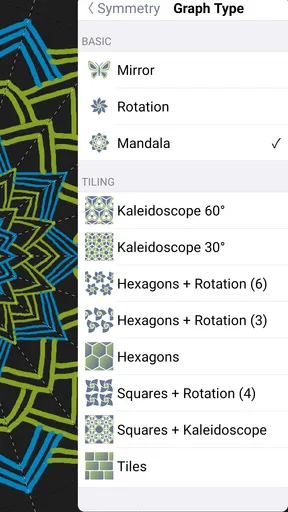
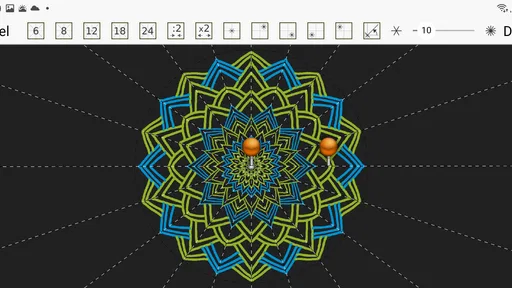
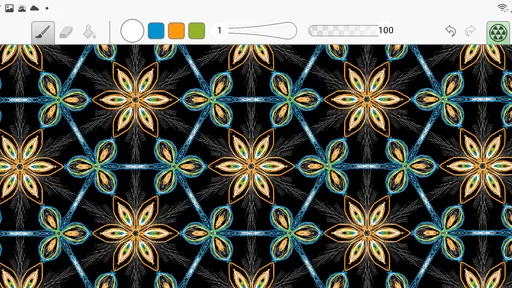
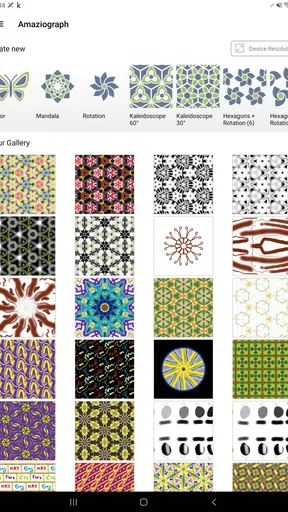
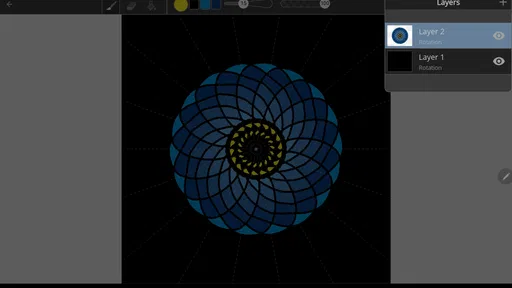
First things first, Amaziograph is all about symmetry. Whether you’re a seasoned artist or just starting out, the app makes it incredibly easy to create stunning symmetrical designs. With just a few taps, you can choose from a variety of grids and symmetry types. Trust me, even if you think you have no artistic skills, this app will make you feel like a pro.
The interface is super user-friendly. You won’t find yourself lost in a maze of confusing options. Instead, it’s all laid out clearly, making it easy to jump right into the creative process. The app offers multiple pen types and colors, allowing for limitless possibilities. It’s like having a full artist’s toolkit right in your pocket.
Features That Stand Out
Amaziograph isn’t just about drawing pretty lines; it’s packed with features that make it an artist’s dream. One of my favorites is the ability to easily adjust brush size and opacity. You can add depth and dimension to your designs with just a few adjustments. Plus, the undo and redo options are a lifesaver for those inevitable mistakes.
Another cool feature is the ability to import images. You can use your own photos as a base for your artwork, adding a personal touch to your creations. And if you’re feeling particularly adventurous, you can even try out the kaleidoscope effect for some truly mind-bending designs.
Sharing and Saving Your Masterpieces
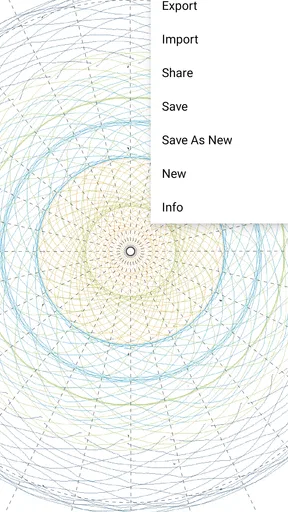
Once you’ve finished your masterpiece, Amaziograph makes it easy to share with the world. You can export your artwork in high resolution, perfect for printing or posting on social media. The app also supports popular file formats like PNG and JPEG, so your creations will look sharp and professional no matter where you share them.
For those who like to keep their work organized, the app allows you to save your projects within the gallery. It’s a great way to track your progress and look back at how your skills have improved over time.
Why Amaziograph Stands Out
What really sets Amaziograph apart from other drawing apps is its focus on symmetry and ease of use. With its intuitive design and powerful features, it’s clear that this app was created with artists in mind. Whether you’re using it for fun or as a tool for professional work, Amaziograph delivers in spades.
It’s not just about drawing; it’s about exploring creativity in a way that’s both fun and rewarding. I’ve found myself getting lost in the app for hours, experimenting with different patterns and techniques. It’s like having a mini art studio at your fingertips.
So, if you’re looking to unleash your creativity, Amaziograph is definitely worth checking out. Whether you’re a budding artist or just someone who enjoys a little creative doodling, this app has something for everyone. Happy drawing!
Verdict
Strengths of Amaziograph
- User-friendly interface for all skill levels.
- Offers a wide variety of symmetry tools.
- Supports multiple canvas sizes.
- Allows seamless export of creations.
- Minimal lag during intricate designs.
Limitations of Amaziograph
- Limited free features; paid upgrade needed.
- Lacks advanced editing tools.
- No cloud save option available.
- Occasional crashes with large files.
- Limited support for pressure sensitivity.
Similar Picks in This Category
View All
Google Play Games
Google LLC3.9

Netflix
Netflix, Inc.4.8

YouTube Kids
Google LLC4.2

Disney+
Disney4.4

Prime Video
Amazon Mobile LLC4.7

Steam
Valve Corporation3.2
Frequently Asked Questions
What is Amaziograph and what can I create with it?
Amaziograph is a powerful drawing app that enables users to create stunning symmetrical designs and patterns. It's perfect for artists and hobbyists interested in exploring digital art. With features like kaleidoscope and tessellation, users can create intricate mandalas, seamless patterns, and reflective art with ease.
Is Amaziograph suitable for beginners in digital art?
Yes, Amaziograph is designed to be user-friendly, making it suitable for beginners. The intuitive interface allows users to easily access various tools and features. Tutorials and guides are available to help new users get started with creating beautiful designs, even if they have little to no prior experience.
What devices are compatible with Amaziograph?
Amaziograph is available for both Android and iOS devices. It runs smoothly on smartphones and tablets, making it accessible for users who prefer drawing on-the-go or on larger screens. Always check the app store for the latest compatibility updates and ensure your device meets the system requirements.
Does Amaziograph offer any in-app purchases or subscriptions?
Amaziograph may offer in-app purchases to unlock additional features or tools. While the basic app provides a robust set of functionalities, some advanced features might require a purchase. It's advisable to review the app’s pricing details in the app store to understand any potential costs before downloading.
How does Amaziograph handle file exports and sharing?
Amaziograph supports exporting your creations in high-resolution formats, suitable for professional printing or sharing on social media. Users can easily save their artwork in formats like PNG or JPEG. The app also offers direct sharing options to popular social media platforms, ensuring your designs reach a wide audience.
